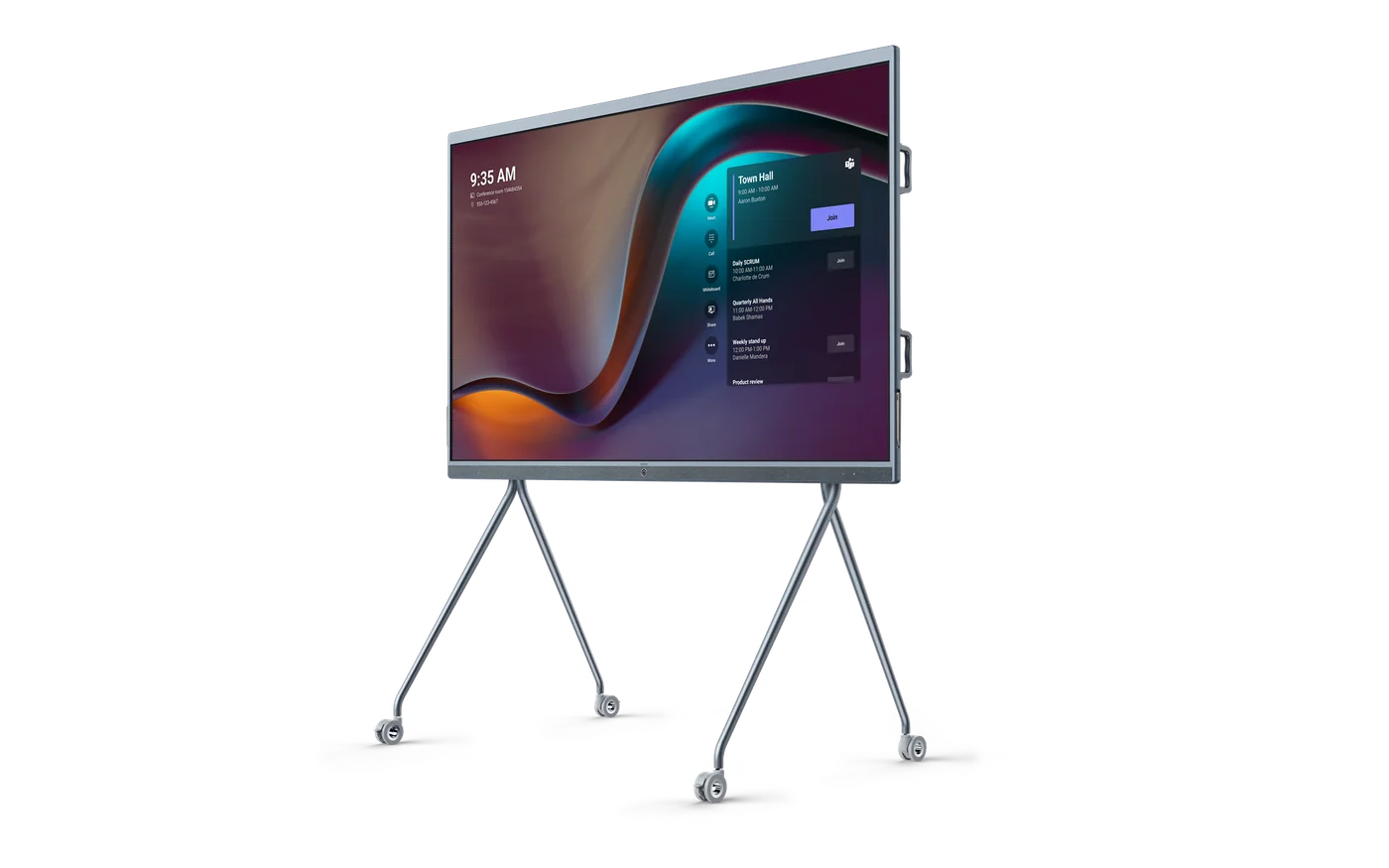
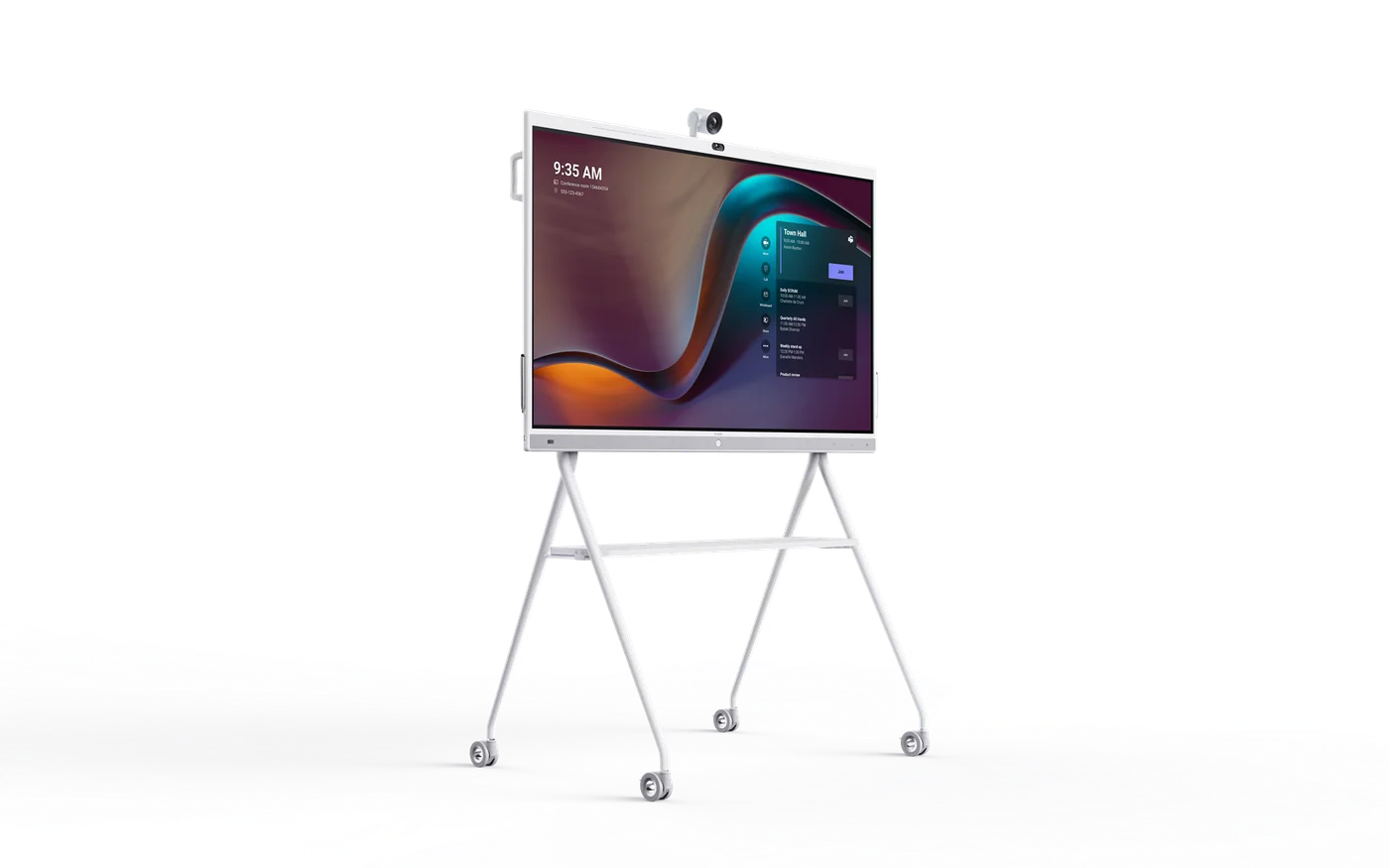
The MeetingBoard 65 is the smaller member of the range, built on the same idea as the 86
inch model: one wall-mounted panel containing the display, camera, microphones, speakers and
conferencing software, so a room has one device instead of five and one cable instead of a
bundle. At 65 inches it suits a room where the 86 would dominate - a smaller meeting room, a
project room, an office where the display is close to the people using it.
Everything that makes the format worthwhile applies at this size. It is a touch display as
well as a conferencing endpoint, so it works as a shared whiteboard with remote participants
writing on the same surface. There is one power lead and one network connection. There is no PC
in a cupboard to be patched and rebooted. And because the camera, the microphones and the
display were designed as one product, they agree about where the room is.
There is something we should say plainly rather than leave for you to discover: Yealink list
MeetingBoard 65 and MeetingBoard 86 as End of Service. That does not make the hardware bad, and
for the right project it may still be exactly the right buy - stock exists, the price is often
better, and a room that needs a straightforward collaboration display does not need this year's
model. But it changes the questions you should ask, and they are worth asking before you commit.
How long is firmware and security updating supported? What is the spares and warranty position?
And if this room is the first of several, do you want the estate standardised on a product that
has reached end of service?
Yealink's current equivalent is the MeetingBoard Pro range, and the sensible approach is to
price both. If the difference is small, the current product is the better buy for anything
intended to last. If the saving is substantial and the room's requirement is modest and
short-lived, the EoS unit can be the right answer. What we will not do is quote it without
telling you, because a client discovering the lifecycle status after installation has been
poorly served.
If you would like us to, we will put both options side by side with the licensing and the
support position for each, and a recommendation. Tell us the room size, the platform - Microsoft
Teams, Zoom or BYOD - and how long the room needs to serve.