Content sharing is where most meetings lose their first five minutes. Someone has the wrong
cable, or the right cable and the wrong adaptor, or they are asked to install a client and lack
the rights to do it, or they join the room's own call from their laptop and create feedback. A
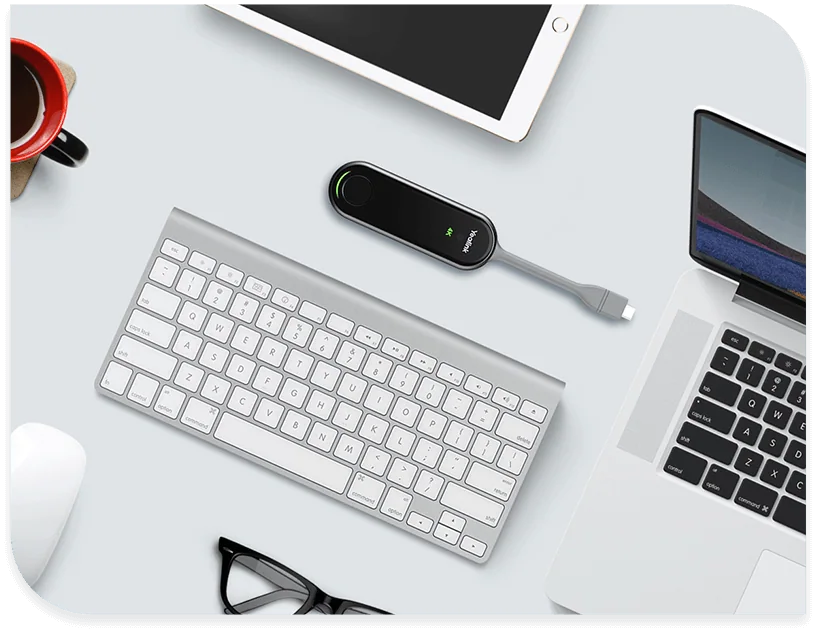
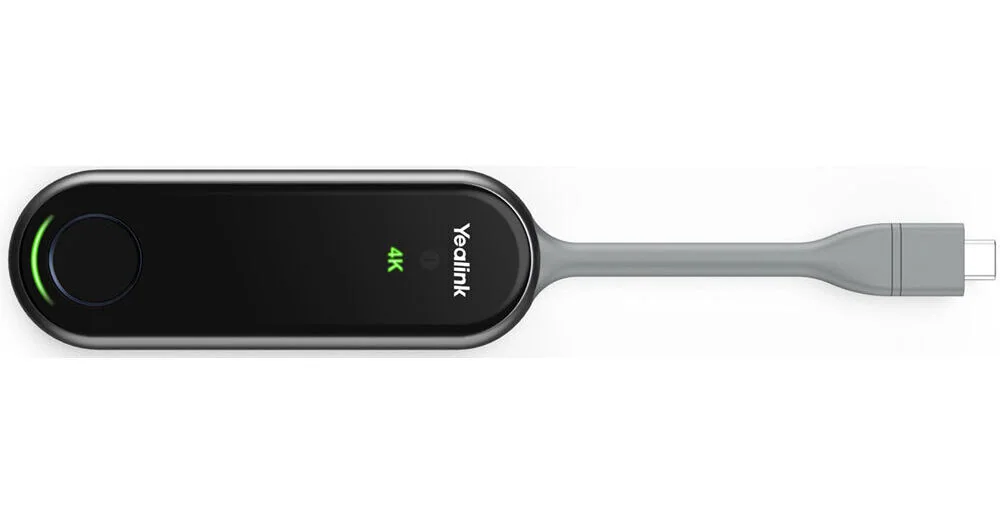
presentation pod is a small object that removes all of that: plug it into your computer, press
it, and your screen is on the display.
The WPP30's important characteristic is that it carries everything it needs. Yealink are
explicit that it eliminates any software or driver installation, because the meeting assistant
software is embedded in the pod itself along with a Wi-Fi 6 chip. Nothing is installed on the
laptop, which matters most for the people it is hardest to help - a visiting client, a
contractor, anyone on a locked-down corporate machine where installing anything requires a
ticket.
It handles up to 4K at 30fps with hardware encoding, and uses adaptive software or hardware
encoding depending on the situation. Hardware encoding is the point of the pod: doing the
compression on dedicated silicon rather than on the laptop's processor means the shared image
stays smooth and the laptop stays cool and responsive, which is the usual failing of
software-only screen sharing when the content is a video or a detailed drawing.
Connectivity covers what people actually carry. There is a USB Type-A connector and a
full-featured USB Type-C, so it suits older laptops, current ones and phones. Wireless is
dual-band 2.4 GHz and 5 GHz with the Wi-Fi 6 chip, and it can create its own self-built Wi-Fi
network - which is the feature worth understanding, because it means the pod does not have to
be admitted onto the corporate wireless network to work. For a guest presenting in a meeting
room, that removes both a security conversation and a support call.
Two practical notes. Where several pods serve one room, Yealink state that up to four can be
connected to an A20, MeetingBoard or MVC system, but only one can be used for screen projection
at a time - so buying several is about having a pod at each end of the table rather than about
showing multiple sources at once. And Yealink note the WPP30 is unavailable in the United States
market; that does not affect supply here, but it explains why US resellers and documentation may
not list it.