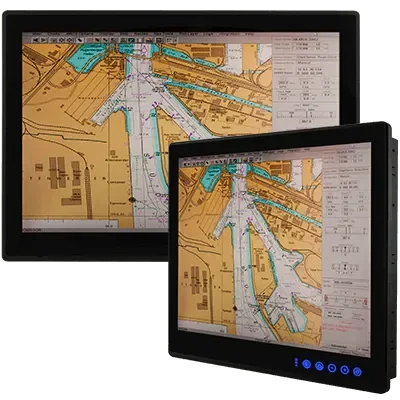
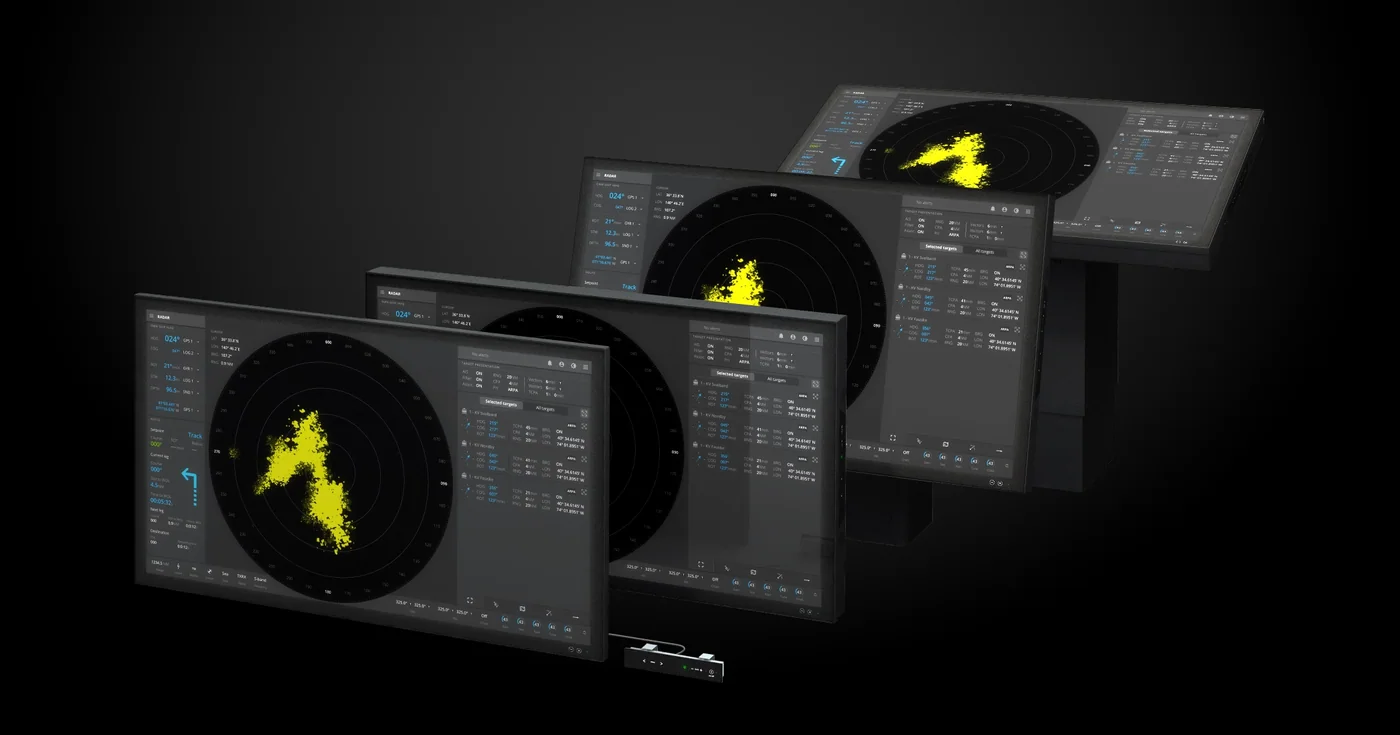
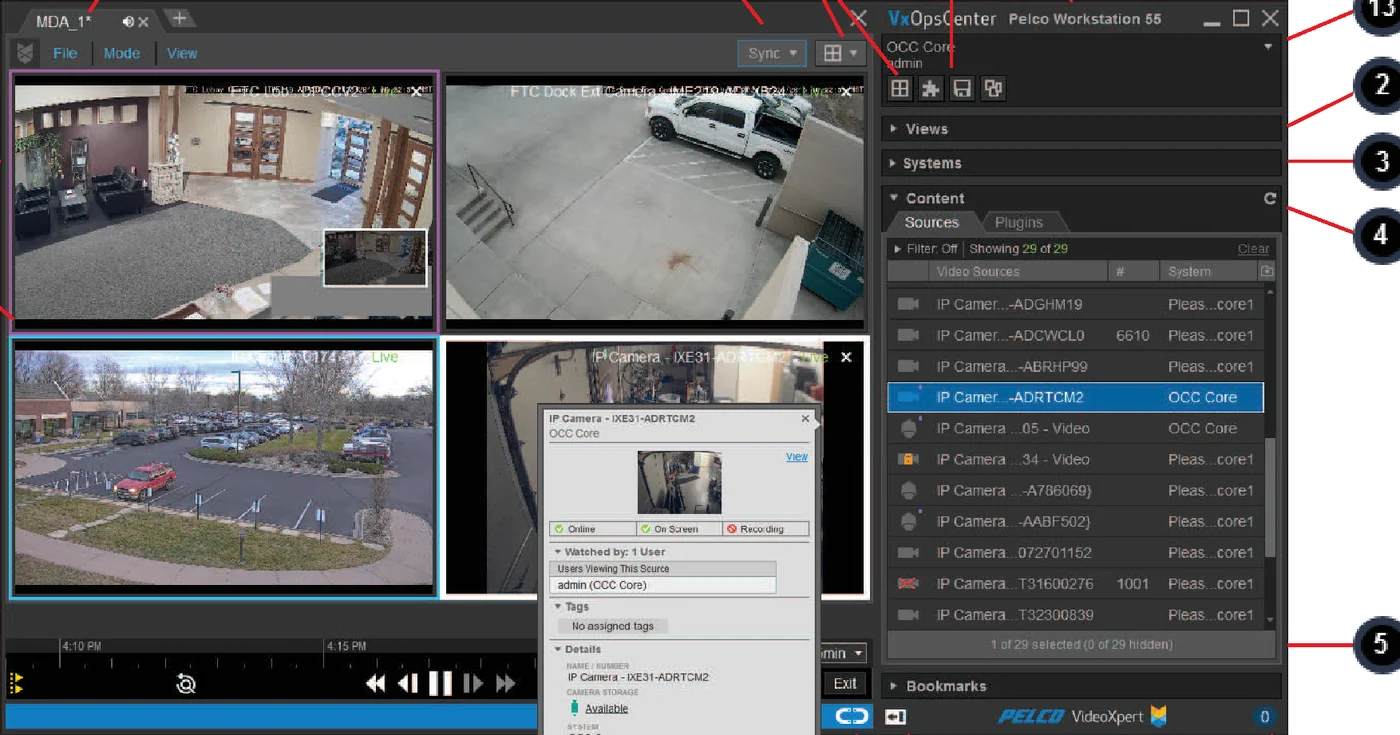
Operator workstations and displays for viewing and reviewing site video.
A monitoring workstation is the operator position for a surveillance system: the client machine, the displays and the input devices that let someone watch live video, review recordings and respond to alarms.
Specified against camera count, resolution and layout
Built for continuous operation and multi-stream decode
Runs the VMS client, so operators work from one interface
FunctionOperator viewing, review and alarm response
DisplaysMulti-monitor, count by design
DutyContinuous operation
SoftwareVMS client
FormDesk, rack or industrial, by variant
Description
The workstation is where a surveillance system either works or does not, because it is the
only part of it an operator ever touches. Its job is to decode and display a lot of video
streams at once without dropping frames, and to do that continuously rather than for an
eight-hour office day.
That duty cycle is what separates a monitoring workstation from an ordinary desktop.
Decoding many high-resolution streams simultaneously is sustained, demanding work, usually
handled by the graphics hardware rather than the processor, so the specification follows the
number of streams, their resolution and the layouts the operator will actually use. A machine
that copes with a nine-camera view will stumble on a thirty-two camera wall, and the symptom
is dropped frames at the moment the footage matters.
Display layout deserves as much attention as the machine. Operators generally work across
several screens: an overview wall, a detail view for the camera of interest, and often a
separate screen for access control or the alarm list. Getting the count, the size and the
viewing distance right is what makes a position usable for a whole shift, and it is a decision
about the room as much as about the hardware.
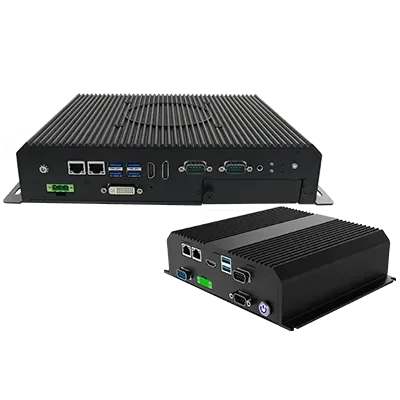
Where the workstation sits also shapes it. A clean control room can take a conventional
desk machine; a substation or a marshalling area may need an industrial chassis, filtered
cooling and a wide temperature range. We specify the workstation against the actual camera
schedule and the VMS it has to run, rather than as an afterthought, because it determines what
the system feels like to use.
Features
Sized for the stream count. Specified against camera numbers,
resolution and the layouts in use, not a generic desktop spec.
Hardware-accelerated decode. Video handled by the graphics subsystem,
which is what allows many streams without dropped frames.
Continuous duty. Components and cooling chosen for permanent operation
rather than an office day.
Multi-display support. Overview, detail and alarm screens driven from
one position.
Runs the VMS client. One interface for live view, review, export and
alarm handling.
Industrial variants. Filtered, wide-temperature chassis where the
position is not a clean office.
Applications
Workstations follow wherever someone has to watch or review video.
Central control rooms. The main operator positions for a site or a
group of sites.
Gatehouses and security posts. Access control and vehicle gates.
Offshore and marine control rooms. Combined surveillance, PAGA and
alarm positions.
Helideck and marine operations. Operational monitoring during
movements.
Plant and process control rooms. Video alongside process
displays.
Investigation and review positions. Desks used for export and evidence
handling.
We size and supply these against the actual camera schedule and the layouts the operators
will use, so a position is not specified for a system half its eventual size.
Support & Documents
PT Vivo Asia Teknologi Indonesia supplies surveillance equipment as part of a designed
and commissioned system rather than as a boxed item. Our scope typically covers:
Site survey, camera placement and field-of-view study against your actual site.
System design, including transmission, power, recording capacity and mounting.
Supply, installation, termination and commissioning.
Integration with your VMS, access control and PAGA or alarm systems.
Analytics configuration and tuning to bring false alarms down to a workable level.
Operator and maintainer training, with ongoing maintenance and support.
Optical, electrical and approval details vary by variant and are confirmed against the
current manufacturer datasheet at quotation stage. Tell us the area to be covered, the
detection distance you need and the site conditions, and we will come back with the right
variant and a full bill of materials.
Use the enquiry button above for a datasheet, a specification or a project quotation.

 1 / 3
1 / 3